2025/6/12大约 3 分钟
exec()
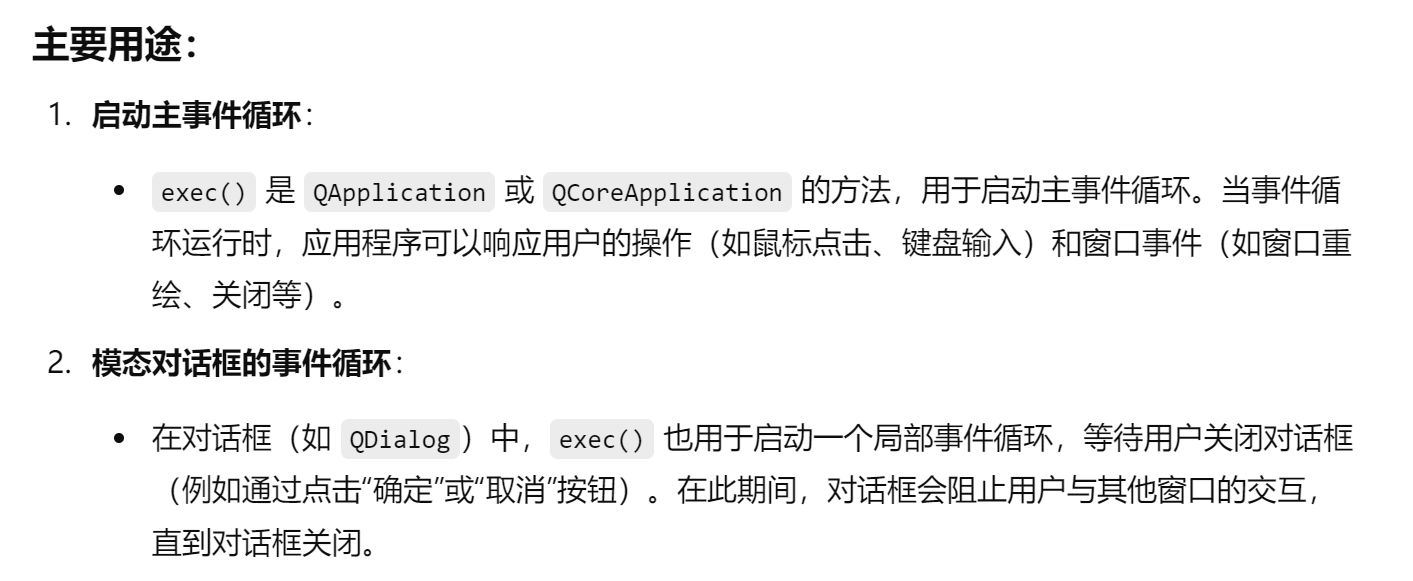
什么是主事件循环?
- 事件:在Qt程序中,"事件"可以是用户操作(如点击、按键、移动鼠标等)、窗口操作(如最小化、关闭、调整大小等)、或是系统定时器等。
- 主事件循环:主事件循环是Qt应用程序的核心,它不断监听和等待事件的发生。一旦有事件发生,它会将事件分发给适当的对象或槽函数进行处理。例如,当用户点击按钮时,事件循环会捕捉到这个事件并触发相应的信号与槽函数。
- 启动事件循环:在Qt应用程序中,调用
QApplication::exec()函数来启动主事件循环。这个函数会阻塞主线程,并进入一个循环,直到应用程序退出。
在应用程序中的用法(QApplication::exec())
#include <QApplication>
#include <QPushButton>

int main(int argc, char *argv[]) {
    QApplication app(argc, argv);

    QPushButton button("Hello, World!");
    button.show();

    // 启动事件循环
    return app.exec();

}app.exec():这个函数启动了Qt应用程序的主事件循环。该循环持续运行,直到用户关闭应用程序。在此期间,应用程序可以处理各种事件(如鼠标点击、键盘输入等)。
程序将在 exec() 处阻塞,直到主窗口关闭。关闭后,exec() 返回一个整数值(通常是 0),表示应用程序的退出状态。
在模态对话框中的用法(QDialog::exec())
#include <QApplication>
#include <QDialog>
#include <QPushButton>
#include <QVBoxLayout>

int main(int argc, char *argv[]) {
    QApplication app(argc, argv);

    QDialog dialog;
    dialog.setWindowTitle("Modal Dialog");

    QPushButton *okButton = new QPushButton("OK", &dialog);
    QPushButton *cancelButton = new QPushButton("Cancel", &dialog);

    QVBoxLayout *layout = new QVBoxLayout();
    layout->addWidget(okButton);
    layout->addWidget(cancelButton);
    dialog.setLayout(layout);

    // 当用户点击 "OK" 按钮时关闭对话框
    QObject::connect(okButton, &QPushButton::clicked, &dialog, &QDialog::accept);
    // 当用户点击 "Cancel" 按钮时关闭对话框
    QObject::connect(cancelButton, &QPushButton::clicked, &dialog, &QDialog::reject);

    // 启动模态对话框,阻塞主事件循环
    int result = dialog.exec();

    // 根据对话框的返回值决定后续操作
    if (result == QDialog::Accepted) {
        // 用户点击了OK
        qDebug("Dialog accepted");
    } else {
        // 用户点击了Cancel
        qDebug("Dialog rejected");
    }

    return app.exec();

}dialog.exec():启动了模态对话框的局部事件循环。此时,用户只能与对话框交互,其他窗口将不可用(模态)。程序将在 exec() 处阻塞,直到用户关闭对话框(通过点击“OK”或“Cancel”)。
exec() 的返回值:
- 如果用户点击“OK”,则返回
QDialog::Accepted。 - 如果用户点击“Cancel”,则返回
QDialog::Rejected。
主事件循环是Qt应用程序的心脏,负责监听、捕捉和处理所有用户的交互事件,保持程序的持续运行与响应。
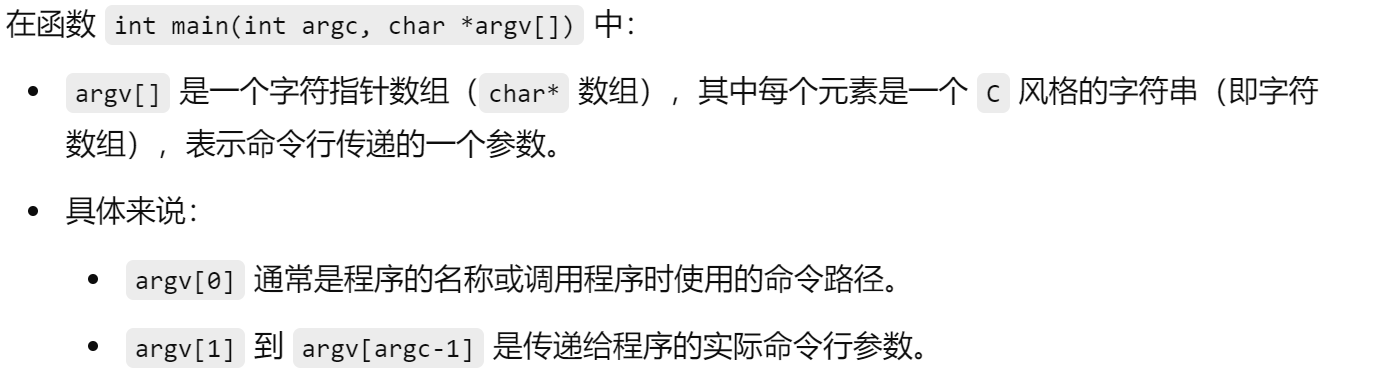
# int main(int argc, char *argv[])

#include <QApplication>
#include <QPushButton>

int main(int argc, char *argv[]) {
    // 创建应用程序对象
    QApplication app(argc, argv);

    // 创建一个按钮
    QPushButton button("Hello, World!");
    button.show();

    // 启动事件循环
    return app.exec();

}
在Qt应用程序中用于初始化 QApplication 或 QCoreApplication 对象,进而启动事件循环。QApplication 负责处理所有与GUI(图形用户界面)相关的事件,如窗口、控件、按钮等。